
Epic Charging introduces a Location-level "Members Only" setting. This feature allows to restrict charger visibility and access to only registered – whitelisted – users. When enabled, public visibility is disabled and only whitelisted users can find and use chargers via the app.
1. Start by navigating to the 'Locations' tab within your Epic account. Select the Location you want to manage and open the 'Details' tab.
2. At the top of the 'Details' page you will find the 'Members Only' toggle. The toggle is OFF by default.
2. At the top of the 'Details' page you will find the 'Members Only' toggle. The toggle is OFF by default.
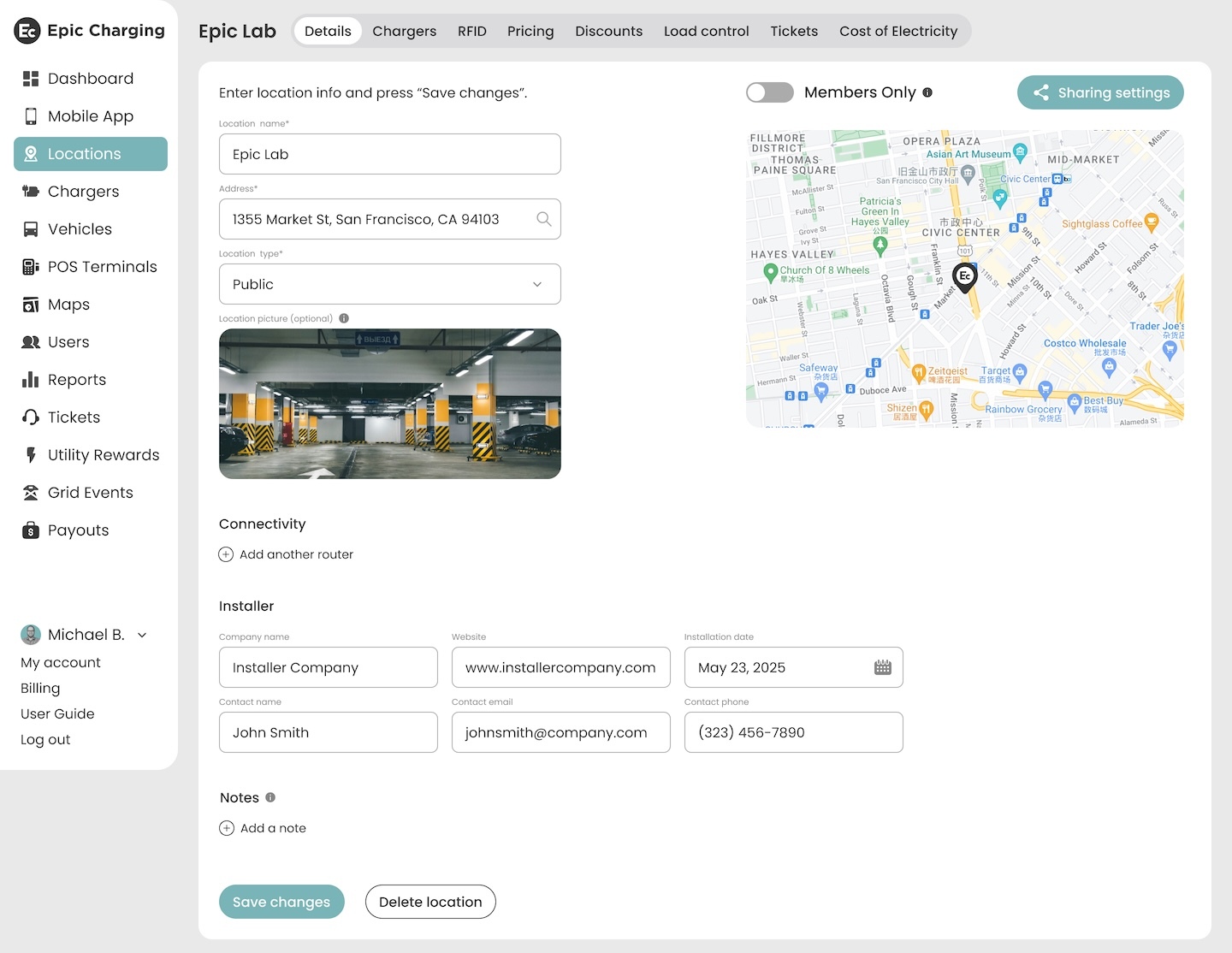
3. Turn the toggle ON to restrict the Location and its chargers to registered account users. Only users listed under the 'Users' tab (any role) will be able to access chargers at this Location.
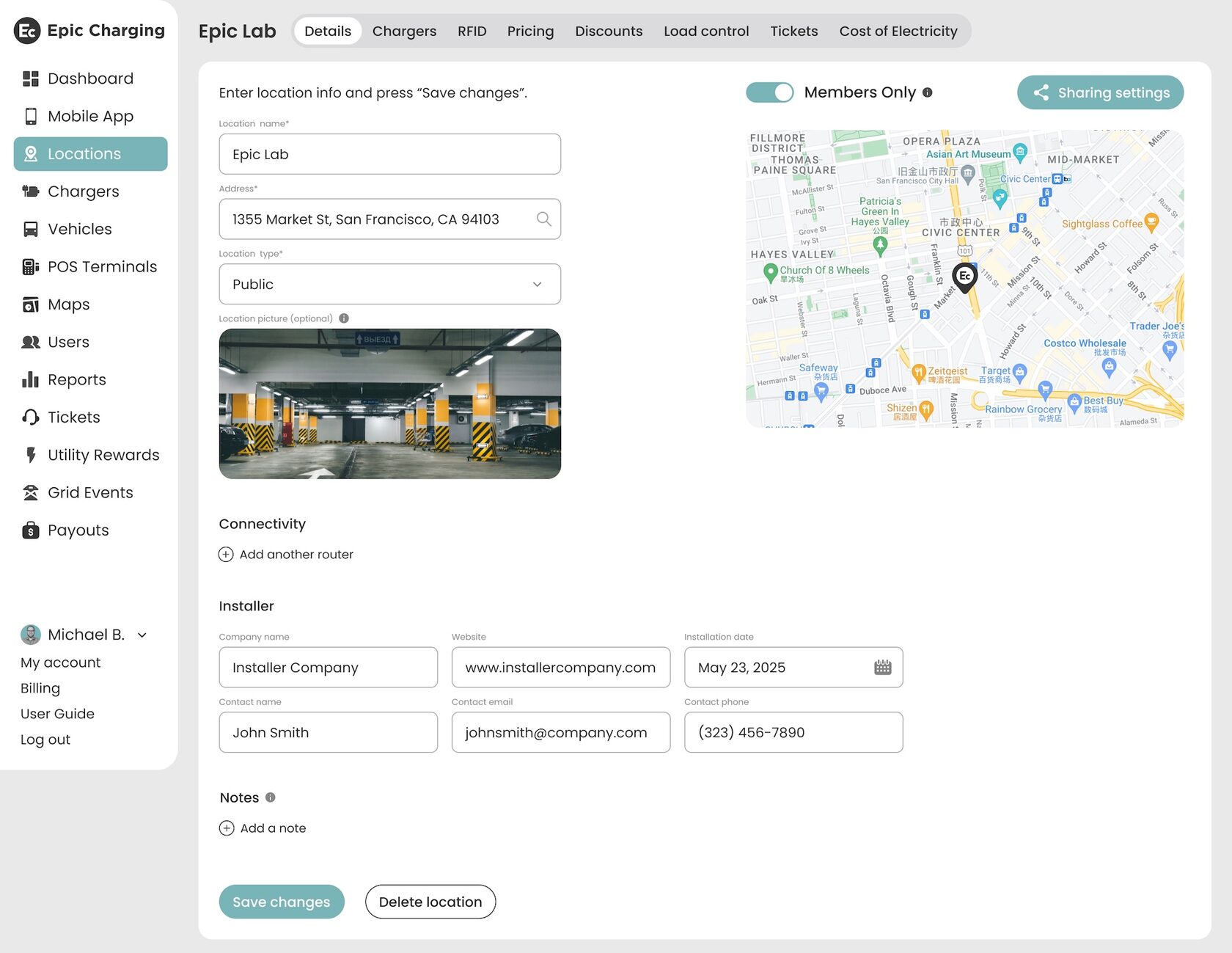
4. All chargers at this Location will immediately become non-public, and the System will automatically disable the "Public Visibility" toggle for these chargers. Registered users will still see the chargers in the mobile app.
5. If the "Send Invitation" box is checked when inviting a Driver, they will receive an invitation to register and download the mobile app so they can access the chargers as an app user. Registered users with the 'Driver' role will not have access to the Dashboard.
6. Turn the toggle OFF to restore public visibility controls. When "Members Only" is OFF, the "Public Visibility" toggle on the 'Chargers' tab becomes active again and chargers may be made public if desired.