
Epic Charging allows customers to participate in demand response and other grid services programs that provide incentives for curtailing non-essential energy usage when the grid is strained. To onboard your utility meters to the Leap platform, please proceed with the steps described in this user guide.
1. Start by navigating to the 'Utility Rewards' tab within your Epic account.
1. Start by navigating to the 'Utility Rewards' tab within your Epic account.

2. Click on the '+ Connect Utility' button, then in the popup window select a location you want to enroll in the program and click ‘Next’.
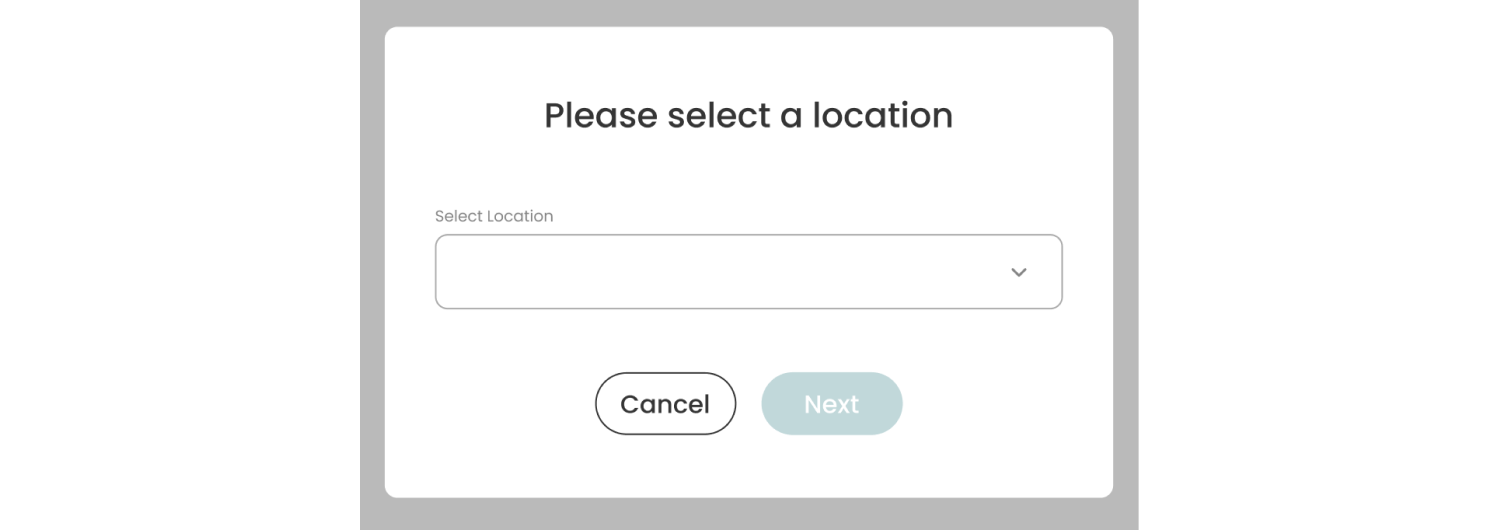
3. You will be redirected to Leap Connect through the Epic Charging registration link. After selecting a utility to connect, you’ll go directly to a utility’s site to authorize data access and enable meter data sharing.

4. Upon a successful completion of the connection process, you will be redirected back to Epic Charging platform and a new meter will be created for the Location you selected in step 2.

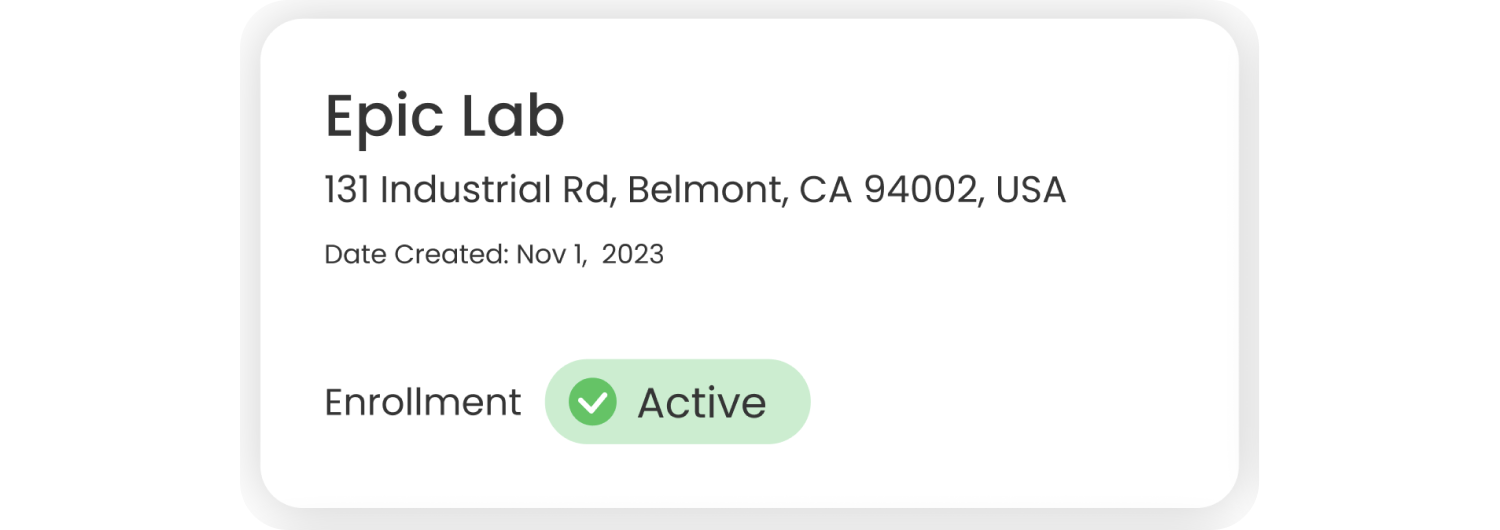
5. On the meter card you can find the following parameters about each utility meter:
- Name of the location you connected a utility for.
- Location address.
- Date when a utility was connected and meter was created.
- Current meter enrollment status.
6. You can filter the list of meters by Location.
7. For business terms and conditions and any other questions, please contact support@epiccharging.com.